
Choose by task

Need a Voice Generator Alternative Free to Try?

If you need a voice generator alternative free to try, start with the audio you want to make, not a list of tool names. Voicegenerator helps you turn written words into speech; a recorded voice changer or a sound editor solves a different problem. Compare the workflows below, then test one short passage before committing to a longer script.

Voicegenerator landing-page artwork

These related comparisons help narrow the choice when your starting material or desired effect is different.

Three real scenarios, one pick each

The best free option depends on whether you have a script, an existing recording, or audio that only needs editing.

  1. 1

    A script needs a narrator

    Pick a text-to-speech voice generator. Paste a representative paragraph, including names and numbers, and listen for pronunciation, pacing, and whether the voice suits the audience. This is the direct route for a tutorial draft, announcement, or accessibility preview because you do not need to record yourself first.

  2. 2

    A recording needs a new character

    Pick a voice changer if the timing and performance in your existing recording matter. It works from audio you have already captured, rather than inventing the delivery from a script. Record a clean test line first; background music or overlapping speakers can make a voice effect harder to judge.

  3. 3

    A voice track needs polishing

    Pick an audio editor when the voice is acceptable but the pauses, volume, or background noise are not. Editing cannot reliably fix every mispronounced word; rerecording or regenerating that sentence may be quicker. Save an untouched copy so you can compare the edited result against the original.

  • Compare the workflows
  • Test the chosen task

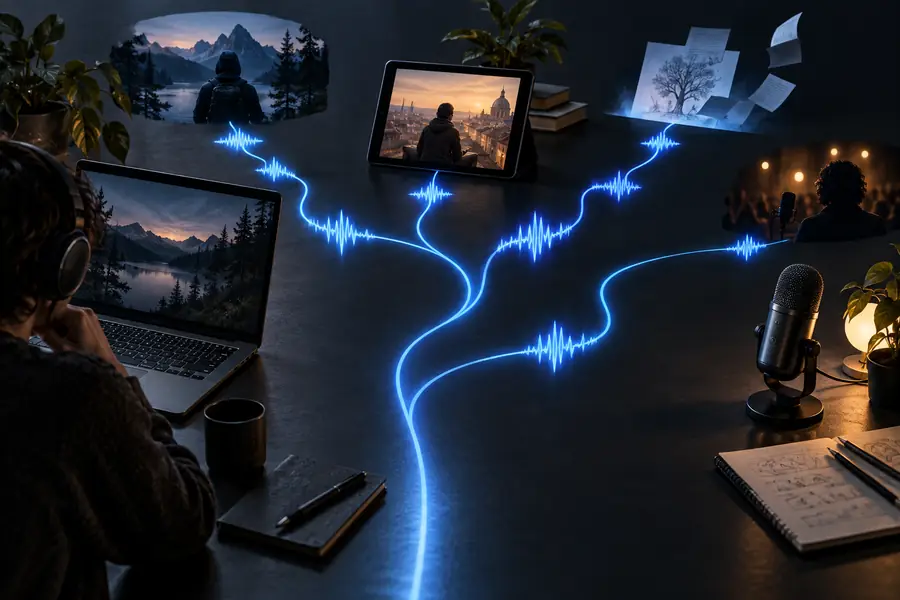
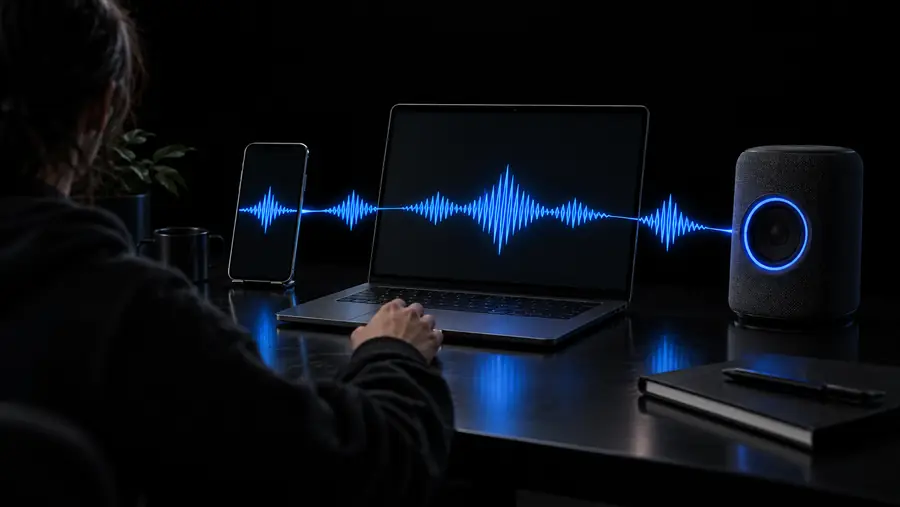
These illustrations mark the shift from browsing options to trying one. They are not audio samples or evidence that one voice sounds better; judge output with the same short script and headphones.

Editorial artwork for comparing free voice-generation alternatives
Editorial artwork for a focused free voice-generation workflow

Capability matrix

For a script-based task, compare a text-to-speech tool with a recording-based voice changer before worrying about voice styles.

1

Starting material

Text-to-speech generator

Written words; no performance to record.

Voice changer

An existing spoken recording or live microphone input.

2

Main output

Text-to-speech generator

A newly spoken version of the text.

Voice changer

A transformed version of the recorded speech.

3

Best first test

Text-to-speech generator

A paragraph with names, numbers, and punctuation.

Voice changer

A clean sentence with varied pitch and no background music.

4

Retakes

Text-to-speech generator

Edit the script and generate the affected passage again.

Voice changer

Record the performance again if the original timing is wrong.

5

Control over delivery

Text-to-speech generator

Depends on the tool's voices and available speech controls.

Voice changer

Starts with the timing and expression in your performance.

6

Typical limitation

Text-to-speech generator

Unfamiliar names may need spelling or phrasing adjustments.

Voice changer

Noise and overlapping speech can carry into the result.

7

Check before a long project

Text-to-speech generator

Listen to the output and confirm the available export suits your project.

Voice changer

Confirm your input audio works and the processed file can be exported.

Shared pitfalls

Whatever you choose, make the test resemble the final job. A flattering one-line demo can hide problems that appear in a full passage.

Video explainer creator

You test a single easy sentence, then discover that a product name sounds wrong throughout a long script. Try the hardest paragraph first and check the edit-and-regenerate loop. If you are deciding how much AI assistance you actually need, compare the approaches in voice generator vs voice ai.

Choose the workflow that lets you correct pronunciation without rebuilding the entire video.

voice generator vs voice ai

Character-voice hobbyist

You search for generated narration, but what you really want to keep is your own comic timing. Test a recording-based effect with clean source audio before writing off the performance. The voice generator vs voice changer comparison explains why the same script can produce a very different result.

Preserve your delivery when that matters more than avoiding the microphone.

voice generator vs voice changer

Teacher preparing a handout

You need a spoken version of written instructions, but an appealing preview is not enough. Check every number, abbreviation, and learner name; also confirm that the resulting audio can be used in the format you need. A voice generator free workflow is a practical starting point for a short trial.

Produce a sample students can understand before preparing the whole handout.

voice generator free

Our tradeoff

Start with the words you need spoken

Voicegenerator is the direct choice here when your input is text and you want to hear it as speech. That simplicity is also its boundary: it is not the right substitute for preserving a recorded performance or cleaning up a noisy track. Try the most demanding few sentences of your script, listen for names and pauses, and decide from the result rather than a feature list. For a voice generator alternative free of unnecessary recording steps, a script-first test is the clearest place to begin.

Try voice generation
  • Use a real passage, not a generic demo line
  • Check pronunciation before preparing a long script
  • Choose a changer or editor when recorded audio is your starting point

Comparison FAQ

That depends on what you need to replace. For speech from written text, try another text-to-speech workflow; for changing a performance you already recorded, try a voice changer. If the recording only needs trimming or cleanup, an audio editor is the closer alternative.

Not when the goal is to keep your own timing, emphasis, and acting choices. A voice generator starts with text and creates a new reading, while a voice changer starts with your recorded performance. Test both with the same line if you are unsure which quality matters more.

Use the same short passage in each tool, with at least one name, number, and long sentence. Listen for intelligibility and pacing, then check whether you can correct an error and export audio in a usable format. A polished sample supplied by a tool is less useful than your own test.

A short successful test is a good sign, but it does not prove that a longer script will stay consistent. Generate a representative section and check pronunciation, pauses, and the work needed to revise it. If the project relies on a particular emotional performance, recording a person may be a better fit.

Listen to the complete final audio rather than approving only its opening seconds. Check names, factual statements, and whether the voice is appropriate for the audience. If you are considering an imitation of a real person, get permission instead of assuming a generated voice makes the use acceptable.

Create a voice
Create a voice