
Voice workflows

Voice Generator vs Voice Changer: Start With Your Input

The voice generator vs voice changer decision starts with what you have: written words or a recorded performance. Voicegenerator helps you turn text into spoken audio; a voice changer transforms audio you have already recorded.

Voicegenerator landing illustration

Total-cost table

There is no useful price comparison without counting the work you must supply first. These scenarios show where recording, rewriting, and retakes add effort.

Solo video creator

You have a finished script but no quiet place to record it. A voice changer would still require you to perform every line before editing could begin.

Generate a first narration from the script, then revise words that sound awkward before committing to a final cut.

voice over generator
Live performer

Your timing, emphasis, and improvisation matter more than reading a fixed script. A generated reading would lose the performance you already know how to deliver.

Record your performance first and use a changer if you need to alter its vocal character.

robot voice generator

Team comparing AI tools

You need to distinguish text-to-speech from the broader set of AI voice features before selecting a workflow for a shared project.

Check which tool accepts your actual input rather than assuming every AI voice feature changes recordings.

voice generator vs voice ai

Occasional narrator

You want to test a short announcement without setting up a microphone, but you may need other ways to produce speech later.

Try a script-based draft first, then compare free alternatives against the output and editing steps you need.

voice generator alternative free

Where quality differs

Quality depends on which parts of the performance the tool creates and which parts you provide.

  1. 1

    Check the source

    A voice generator interprets punctuation, names, and sentence structure from text. A voice changer begins with your recording, so room noise, clipped words, and uneven delivery may remain audible after transformation.

  2. 2

    Listen for the weak spot

    Generated speech may mispronounce a name or place stress on the wrong word. Changed speech can preserve a great performance, but an extreme transformation may make consonants less clear or introduce artifacts.

  3. 3

    Fix the right input

    For generated audio, rewrite the sentence or adjust spelling and punctuation, then listen again. For changed audio, a cleaner recording or another take often helps more than pushing the effect further.

A script is usually quicker to revise before speech exists; a recording can be quicker to transform when the performance is already finished. Explore the related workflows while choosing your starting point.

When switching is worth it

Switch workflows when changing the input will remove more work than another round of editing. Neither approach repairs every problem on its own.

  • A generator cannot preserve your exact performance

    Text may capture your words, but it does not automatically carry over the pauses, reactions, or expressive timing of a recording.

    WorkaroundKeep the recorded performance and consider a changer if that delivery is the part you need to retain.

  • A changer cannot speak an unwritten line

    It transforms audio rather than turning a fresh paragraph into a readout. Every added sentence needs a new spoken take.

    WorkaroundSwitch to text-based generation when the script changes frequently or nobody is available to record it.

  • Neither route guarantees a clean result

    A generator can stumble over unusual wording; a changer can emphasize defects in a noisy recording. Output quality must be judged by listening.

    WorkaroundTest a representative sentence or clip before processing the whole project, then correct the source of the problem.

Input and editing comparison

This side-by-side table makes the practical costs visible: what you must provide, what can be revised, and what may require a retake.

1

Starting material

Voice generator

Written text or a script

Voice changer

An existing voice recording

2

Recording required

Voice generator

Not required for text-to-speech

Voice changer

Required before the voice can be transformed

3

Who supplies timing

Voice generator

The speech system interprets the text

Voice changer

The person in the recording

4

Changing a sentence

Voice generator

Edit the text and generate it again

Voice changer

Record the changed sentence, then apply the effect

5

Keeping a live performance

Voice generator

Does not retain the original delivery

Voice changer

Works from the recorded delivery

6

Typical quality check

Voice generator

Pronunciation, emphasis, and pacing

Voice changer

Recording clarity and transformation artifacts

7

Time-consuming repeat

Voice generator

Revising text and listening to a new reading

Voice changer

Recording another take and processing it

The source changes the result

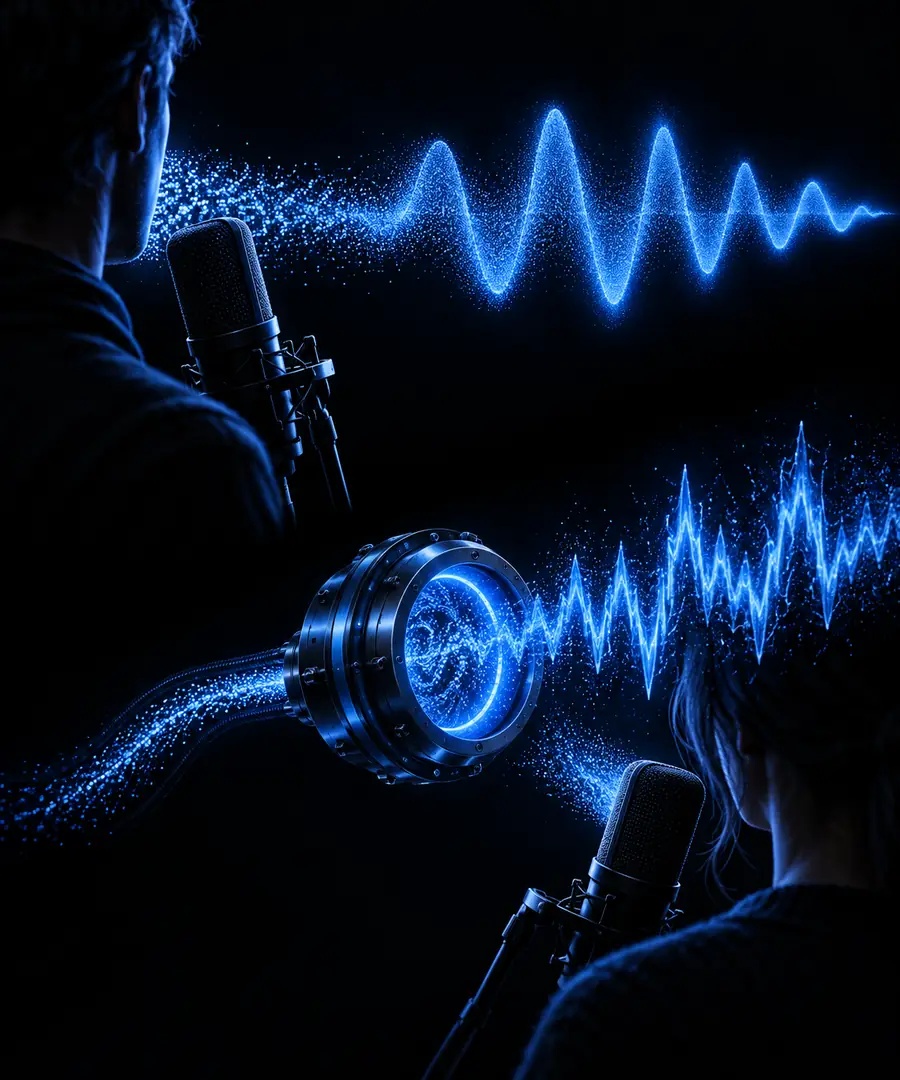
  • Recording-led workflow
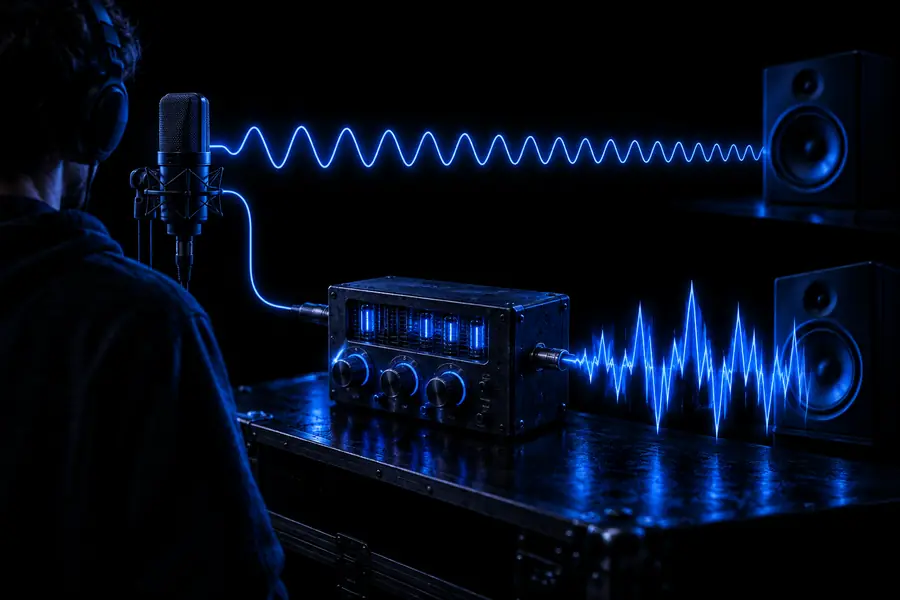
  • Script-led workflow

These are workflow illustrations, not before-and-after audio samples or evidence that one method sounds better. Compare actual listening results using the same short passage whenever possible.

Illustration associated with comparing generated and changed voices
Illustration associated with creating a spoken voice-over

Try the script-led route

Have words ready but no recording?

Start with a short passage and listen to how it is spoken. If your project depends on a particular human performance instead, record that performance first and evaluate a changer on the resulting clip.

Generate spoken audio
  • Use a representative passage
  • Listen for pronunciation and pacing
  • Revise the text before making longer audio

Comparison FAQ

A voice generator creates speech from text, while a voice changer alters a voice recording you supply. The distinction is the input: a script for one, spoken audio for the other. Some products offer both functions, so check the specific feature rather than relying on the product name.

A voice changer alone needs audio to transform and does not read a paragraph directly. If a product reads text and then changes the resulting voice, it is combining text-to-speech with voice-changing features. Look for a text input if you do not want to record yourself.

A changer is the more direct starting point when you want to keep your pauses and delivery while altering the vocal sound. If the wording needs substantial changes, generating a new reading from the revised script may avoid multiple retakes. Listen to a short test before deciding which result suits the project.

Not necessarily. Background sound, clipping, or muffled speech can remain or become more noticeable after transformation. Capture a cleaner take when possible, and treat noise cleanup as a separate step from changing the voice.

Switch when you mainly have text, expect frequent script revisions, or cannot conveniently record new lines. Stay with a recording-led workflow when the original speaker's timing and expression are essential. The voice generator vs voice changer choice is less about a universal winner than about which input you can produce well.

Create a voice
Create a voice